

Book an appointment
Book a new or returning patient with the right doctor, branch, service and time.
Every visit in Clinico starts with an appointment: it tells the doctor who is waiting, and it is what the invoice is built from later. Booking a registered patient takes less than a minute.
Before you start
- The clinic needs a branch, a doctor assigned to that branch and the services you offer. See Add a branch or department and Add your services, prices and packages if that is not set up yet.
- A new patient can be registered from the booking screen itself, with New Patient.
Steps
In the sidebar, click Appointments, then New Appointment at the top of the page.
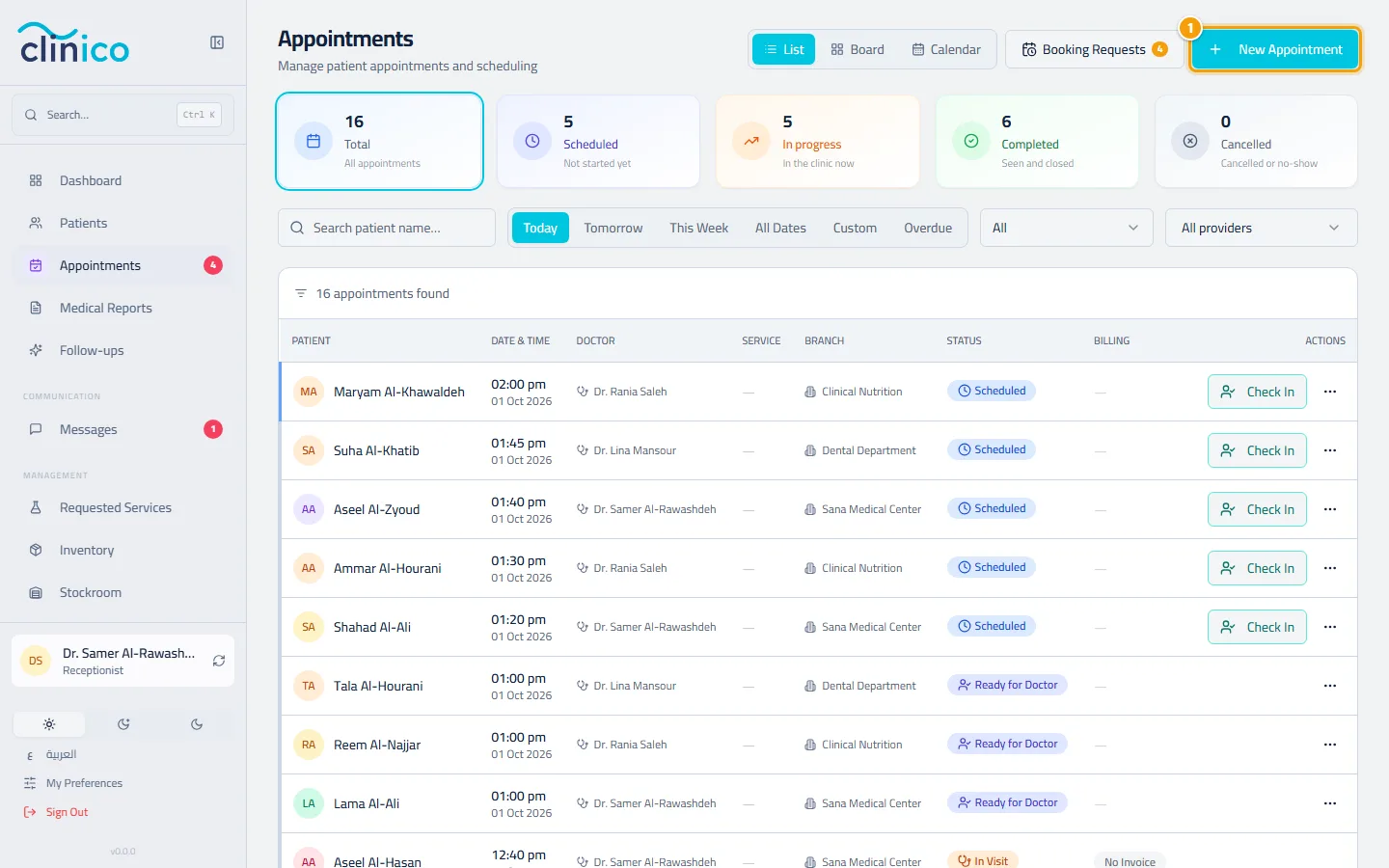
The appointments page and the New Appointment button Under Visit Type, choose Time Slot to book a date and time. Immediate sends the patient to the doctor right now, and Join Queue adds them after the doctor's last appointment today.
Pick the Patient (search by name, code or mobile number), then the Branch and the Doctor. Set the Start Time and check the Duration. If your clinic works with insurance, an insurance box appears on this step too: see Bill an insured visit.
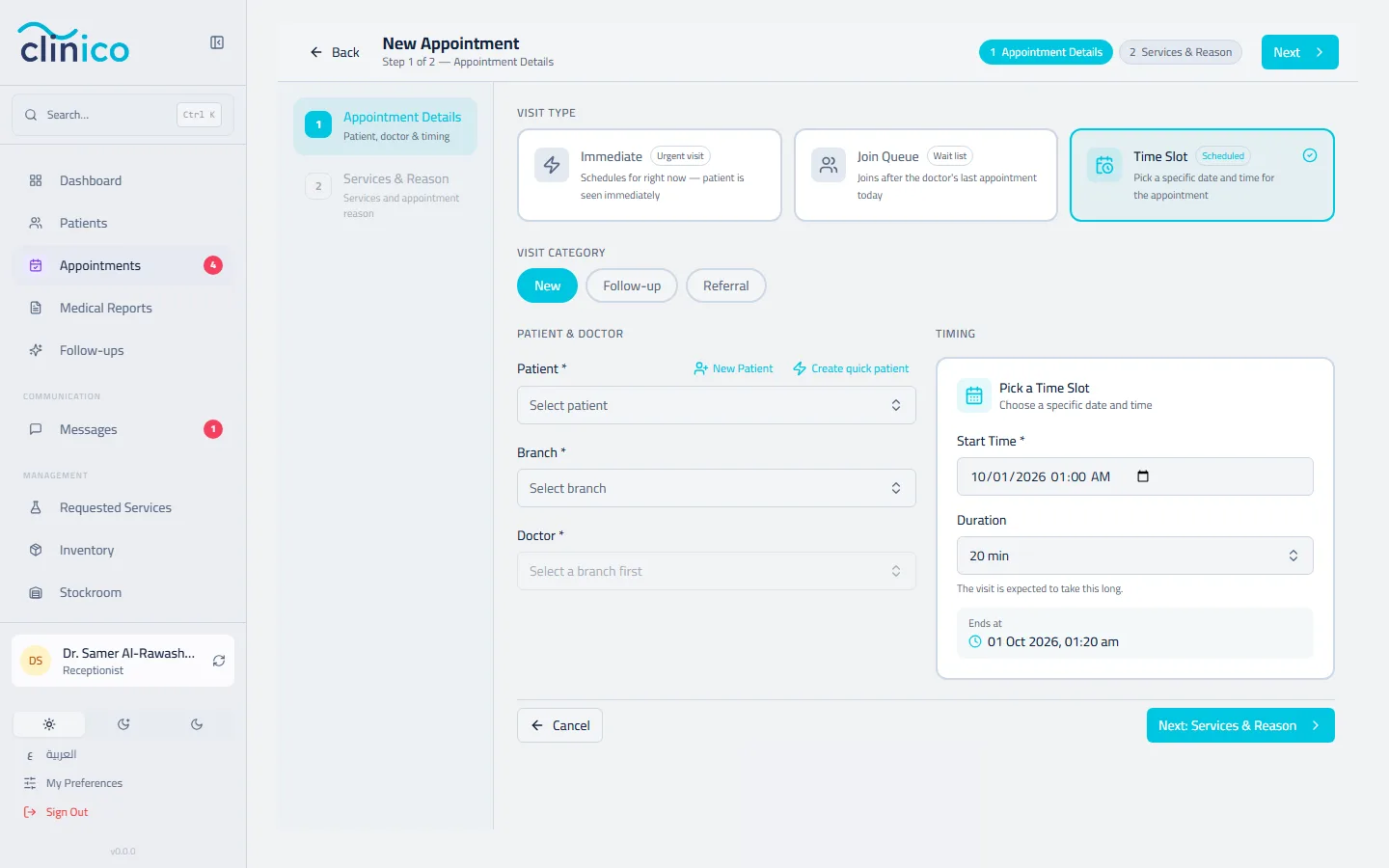
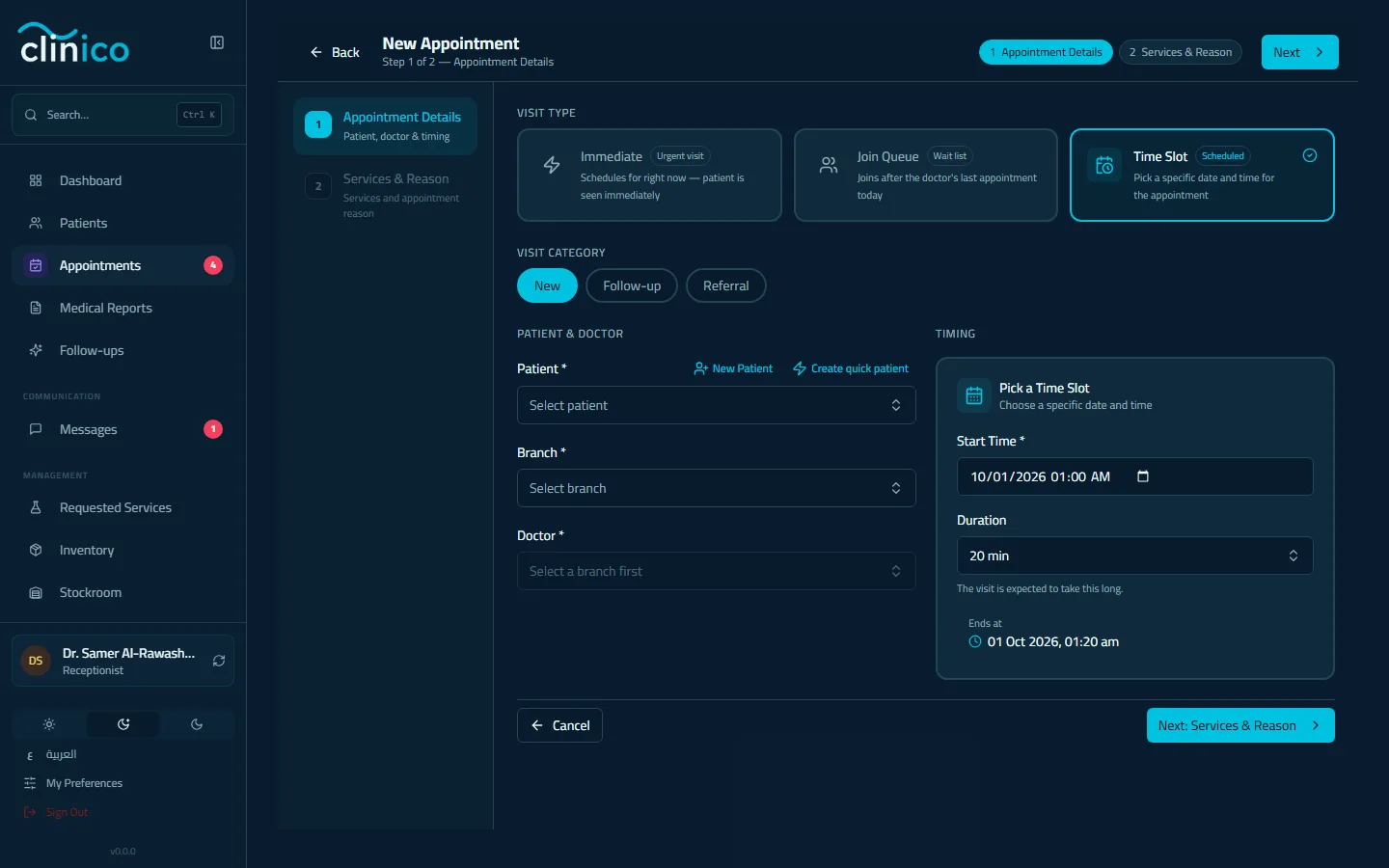
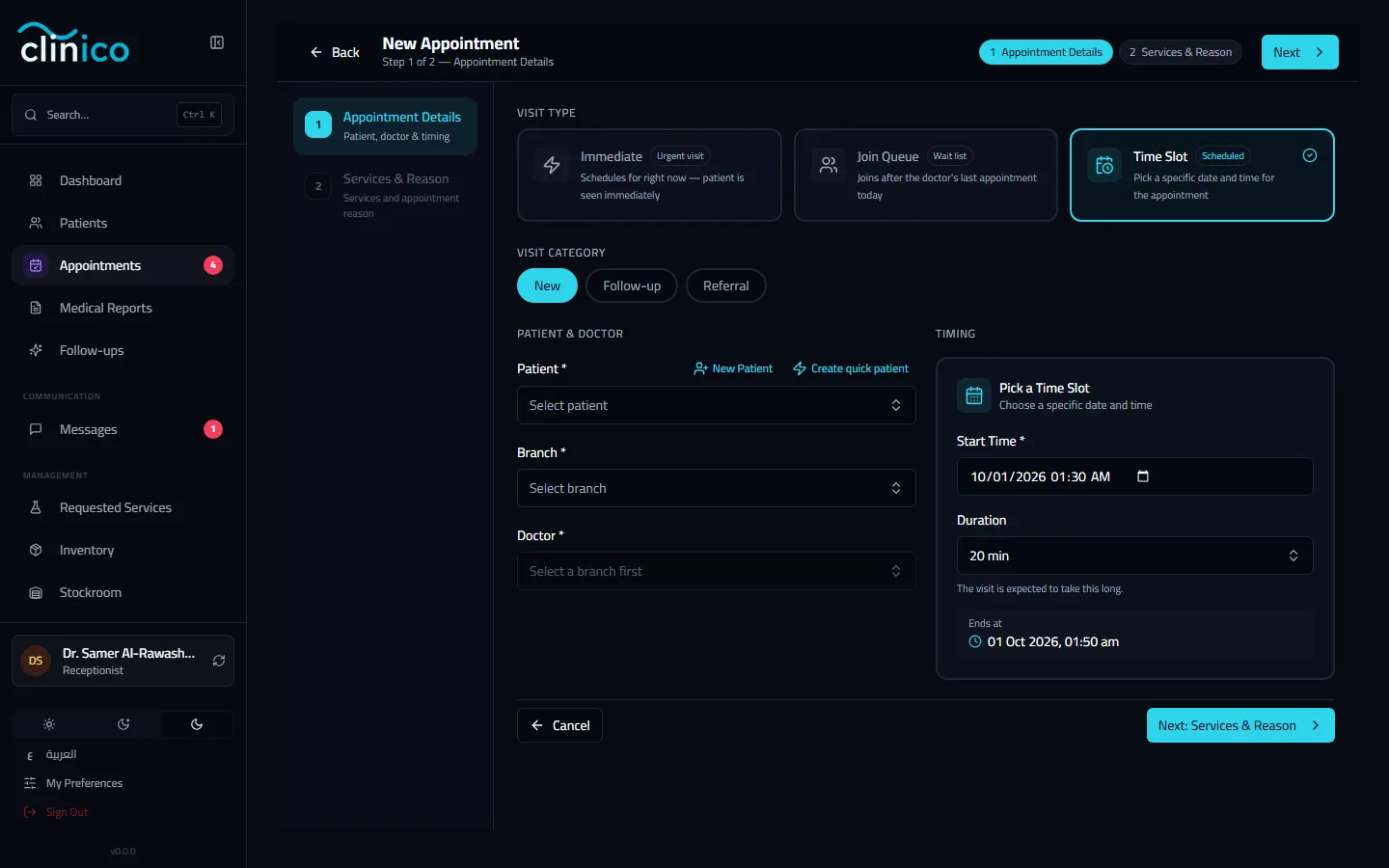
The first step of the booking form, with Time Slot chosen Click Next: Services & Reason, choose the service under Add Service and, if you like, write the Appointment Reason. Then click Save Appointment.
After booking
The appointment appears in the doctor's calendar and in the appointments list; check the patient in from there when they arrive.
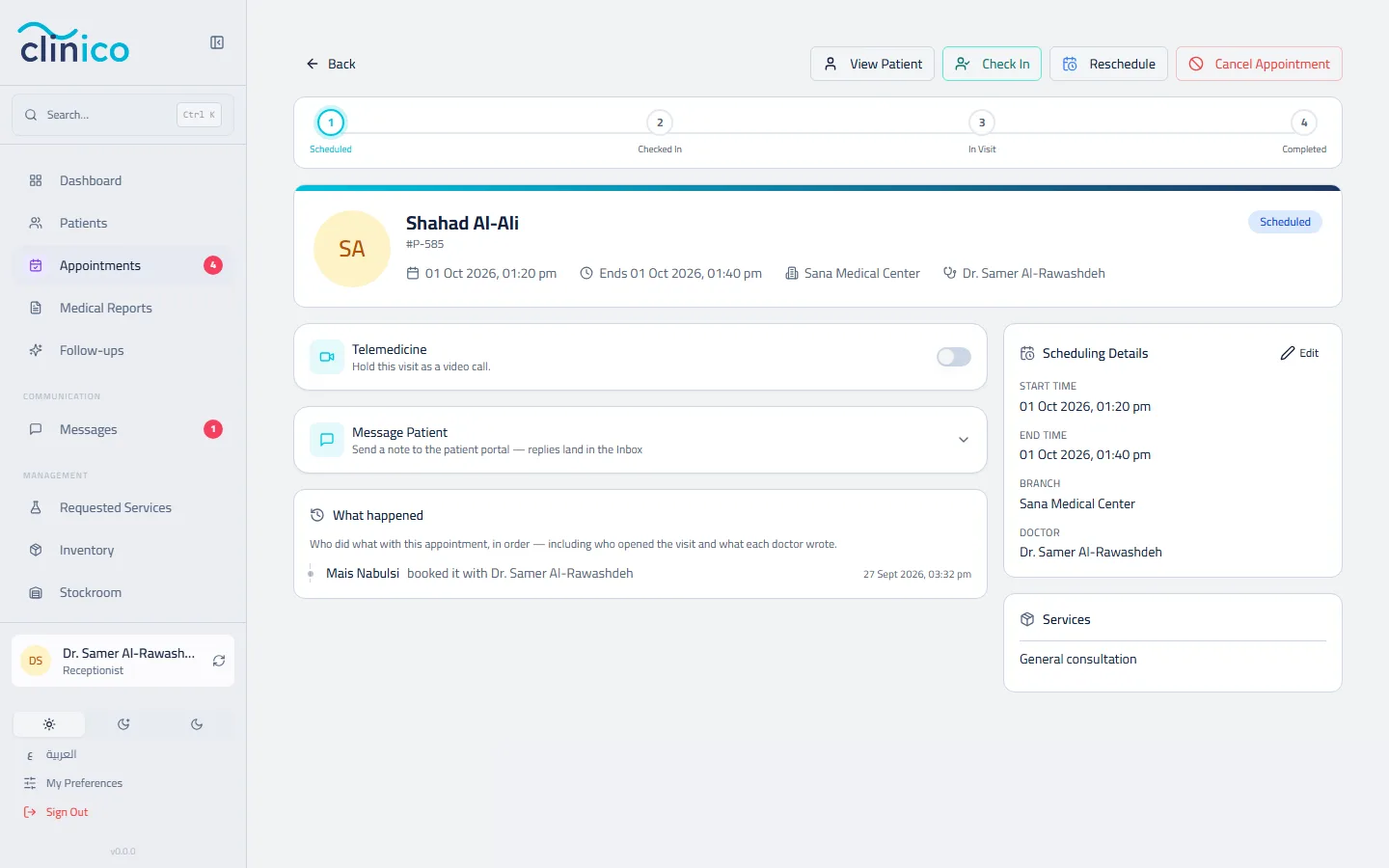
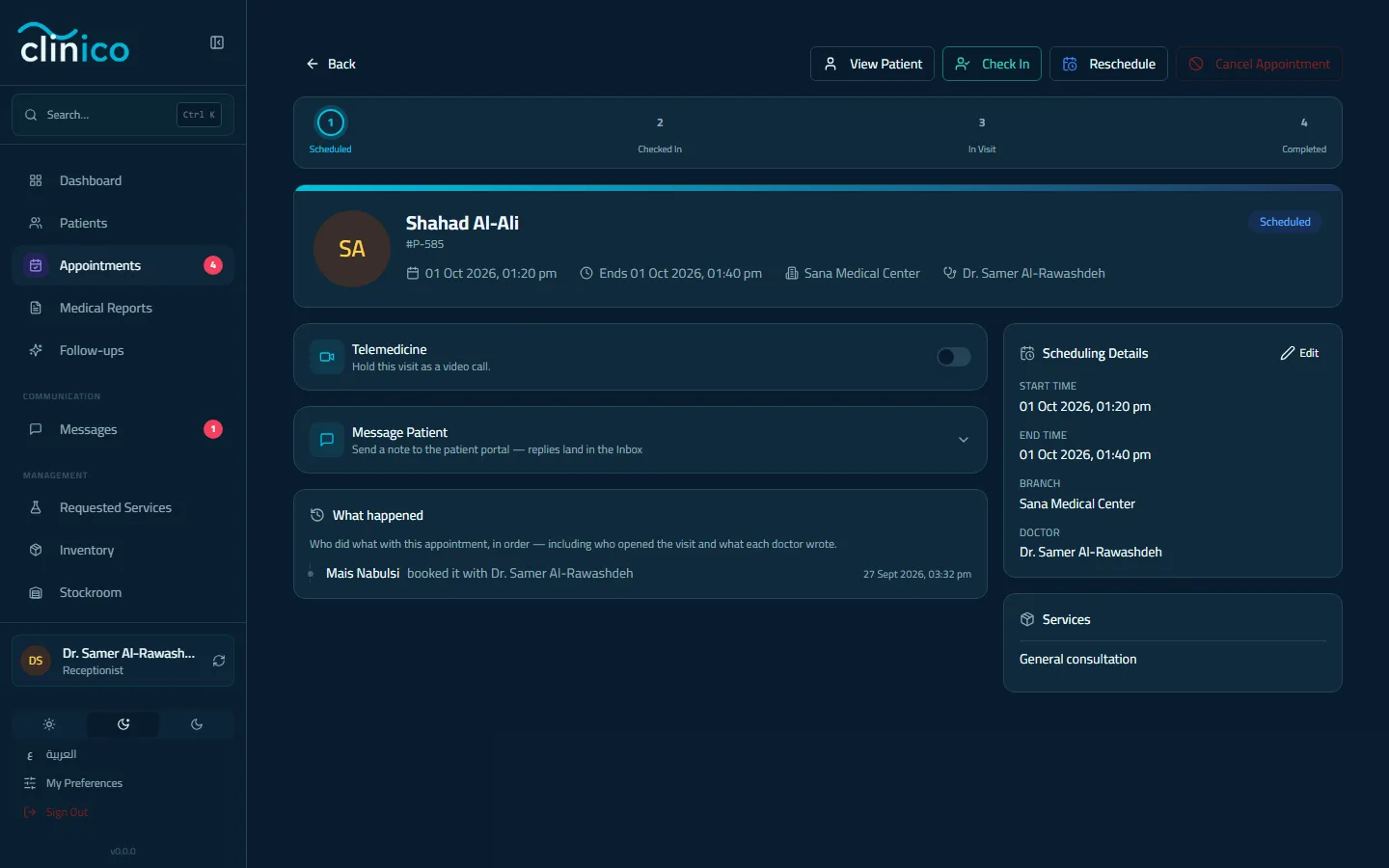
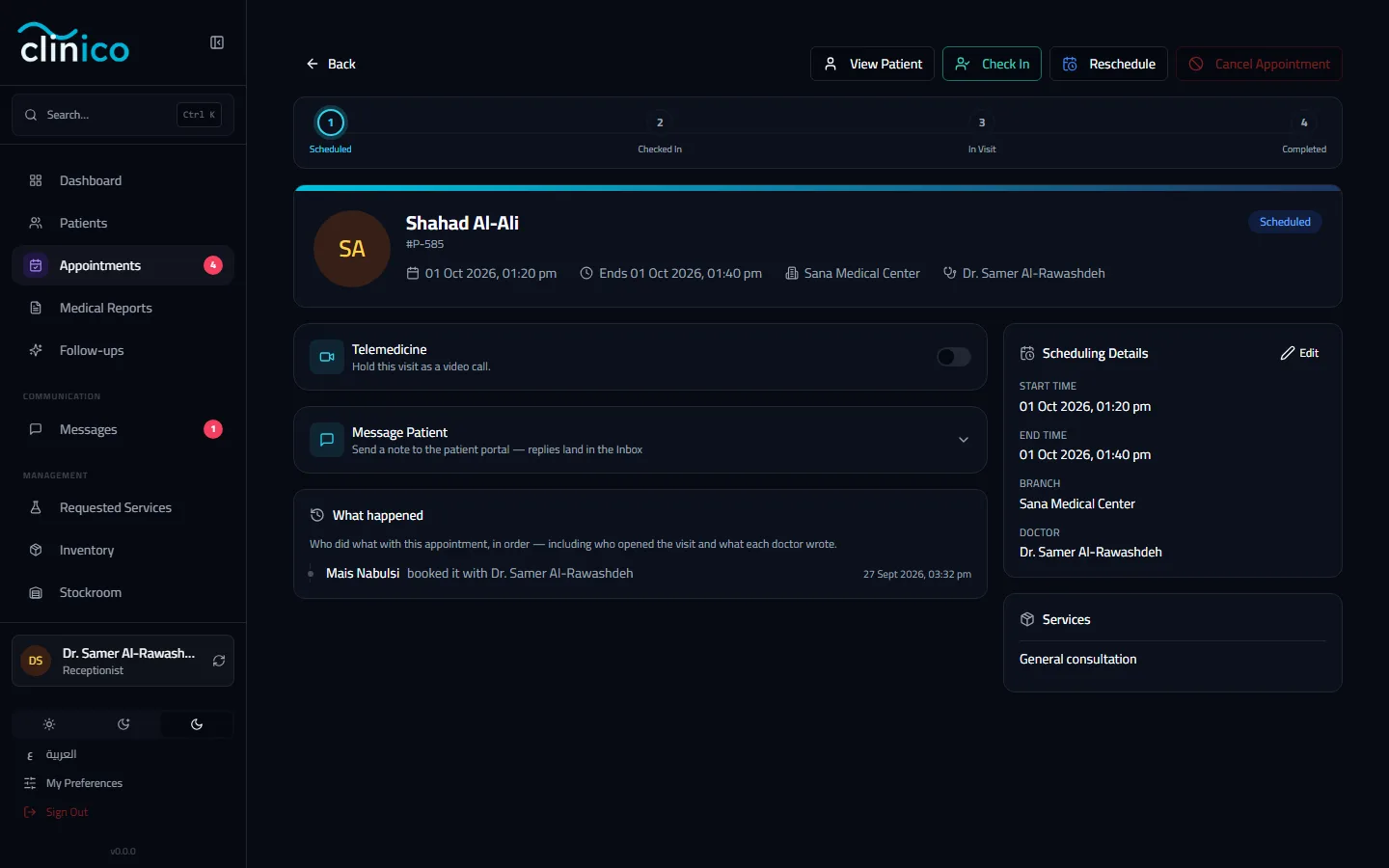
The appointment page after booking